
A simple guide to getting Stilopad
How to get Stilopad on your device
Choose Android on Google Play, try Web Lite in a browser, or join the iOS availability waitlist.
Choose the option that matches your device. Android installs from Google Play. Web Lite opens in a browser. The download page has an Android testing link and an iOS waitlist; the waitlist is not an App Store download.
Get Stilopad for Android
Choose the route for your device
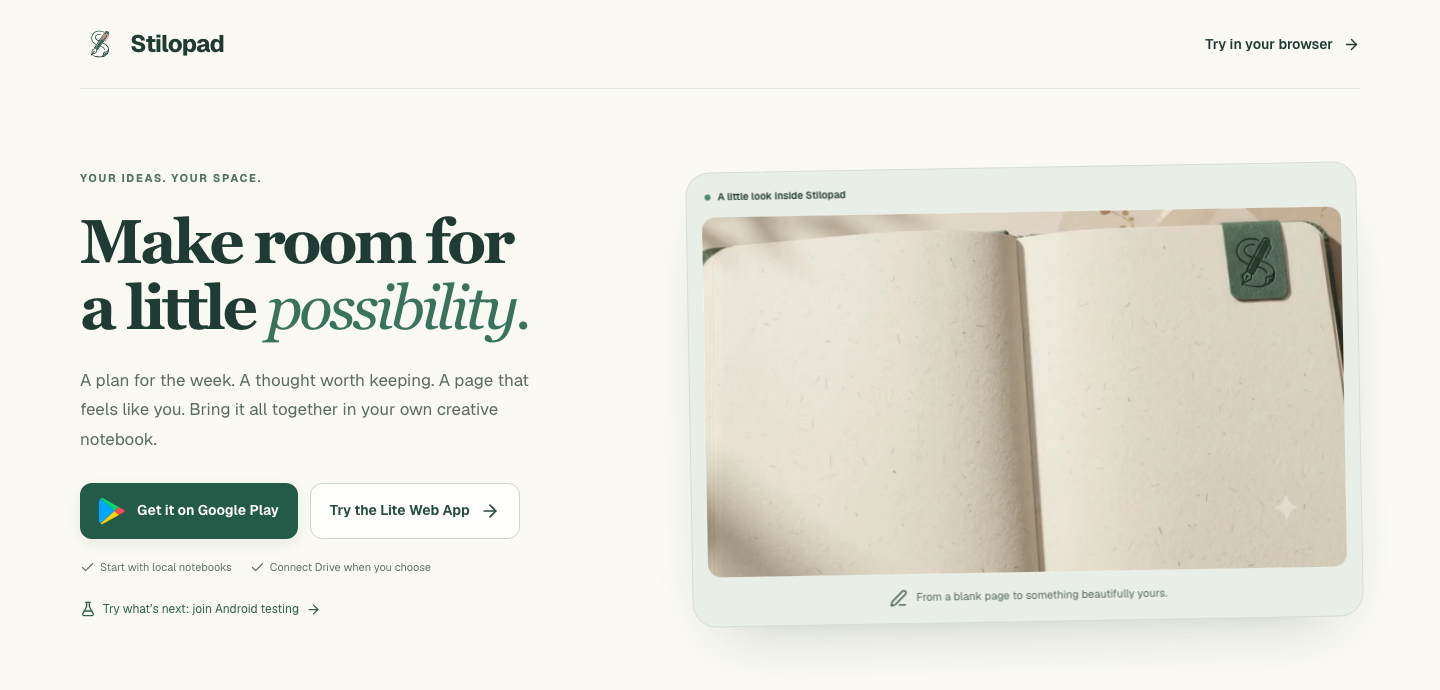
Step 1 of 4 — Open the download page
Screenshots are crops from a local built preview of the current `/download` page; its source identifies the public Google Play link, Android testing link, Web Lite route and App Store waitlist. The production site was not changed. No store install, Android test enrollment, iOS waitlist submission, app update or device-compatibility check was performed.
Get Stilopad for Android
Get Stilopad for Android
Open the download page
Visit stilopad.com/download. The page offers Google Play for Android and a Lite Web App route. Choose the route for your device rather than downloading an Android package from an unknown site.
Choose Android or Web Lite
Android’s public app comes from Google Play. Web Lite opens in a browser and is the current option for iPhone and iPad. Browser features may differ from the Android app.
Join Android testing only if you want to
The testing card links to Google Play’s test. Sign in, join, then install from Play if the test is available to your account. Testing access is not the same as public release availability.
iPhone and iPad availability
Use Web Lite now from a browser. The App Store area is a waitlist form; submitting it does not install an iOS app or guarantee a release date.
The current download page links to the public Google Play listing and separately to Android testing. Test access depends on Play availability and requires joining the test with a Google account.
On Web Lite and iPhone/iPad
On Web Lite and iPhone/iPad
Open stilopad.com/download and choose “Try the Lite Web App” to use Stilopad in a browser without installing an Android app.
For Android, use “Get it on Google Play”. The separate Android testing link is optional; sign in, join the test and then install from Play if access is available.
For iPhone or iPad, use Web Lite. The App Store section is a waitlist, not an iOS app download. This guide did not install or update an app.
Use the official route
Installing from Google Play keeps Android updates on the Play Store. Web Lite does not need an Android installation. Avoid unofficial APK download sites, and keep a notebook backup before switching devices.
Check the version after an update
After updating from Google Play, reopen Stilopad and check About/version in Settings if you need to confirm the installed build. A store page, test invitation and waitlist form do not prove that a device is compatible or that an update installed.
If an install option is missing
- Play Store availability can depend on your country, device compatibility, account and testing access. Follow the message shown by Google Play.
- If you are on iPhone or iPad, open Web Lite in your browser; the App Store link is currently a waitlist, not an install.
- Do not uninstall to troubleshoot an update before checking that your notebooks are backed up. No installation, billing, compatibility or update transaction was tested for this guide.